Best Photo Storage for Photographers in 2026
Choosing storage as a photographer is about more than gigabytes. Speed, organization, delivery, backups, and long-term access matter just as much.
Snowdrift Team
Snowdrift
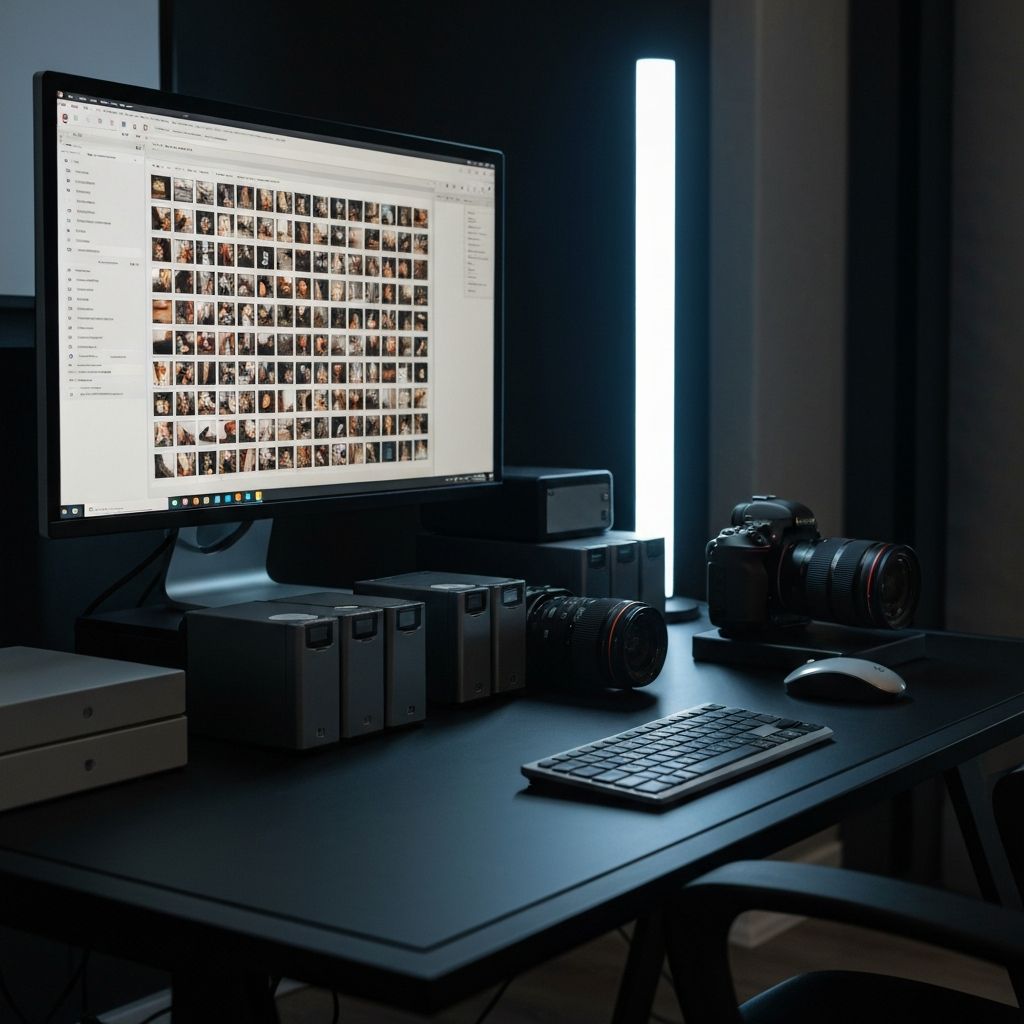
Photographers generate more data than almost any creative profession. RAW files, client galleries, backups, duplicate drives, and scattered folders make storage decisions expensive and stressful.
In this guide, we'll break down the best options depending on how you work—and what actually matters when your archive keeps growing.
What Photographers Actually Need From Storage
Before comparing tools, it's worth understanding what makes storage different for photographers. Generic advice doesn't always apply.
Key requirements for photo storage:
- Enough space for RAW + JPEG libraries (often 10TB+)
- Fast uploads and downloads for large files
- Reliable backup protection against drive failure
- Easy client delivery without extra tools
- Searchable archives to find photos later
- Affordable growth as your library expands
- Access from anywhere, not just one computer
- Workflow efficiency—not just storage
Best Options Breakdown
Let's look at the major categories of storage solutions and where each one fits.
Option 1: Generic Cloud Storage
Dropbox, Google Drive, iCloud
Best for: Simple file syncing
Pros
- Familiar and easy to use
- Simple sharing links
- Integrates with common tools
Cons
- Not built for photographers
- Weak image search
- No culling workflows
- Poor experience at scale
Option 2: External Drives
SSDs, HDDs, NAS systems
Best for: Local backups
Pros
- One-time purchase
- Fast local access
- Physical control of data
Cons
- Drive failure risk
- No remote access
- Poor collaboration
- Manual management required
Option 3: Enterprise Cloud Platforms
AWS S3, Backblaze B2, Wasabi
Best for: Technical users with custom needs
Pros
- Highly scalable
- Competitive pricing at scale
- Flexible configurations
Cons
- Complex setup required
- Developer-oriented
- No photographer workflows
- Requires technical knowledge
Option 4: Photographer-Focused Platforms
Storage + workflow in one
Best for: Professionals who want workflow + storage together
Modern photographer platforms combine storage, organization, AI search, client galleries, and workflow tools in one place. Instead of stitching together Dropbox, gallery software, and backup services, everything lives in a single system designed for how photographers actually work.
Pros
- Built for photographer workflows
- AI-powered search
- Client delivery included
- Scalable storage
Cons
- Newer category
- Subscription model
Why Dropbox Stops Being Enough
Most photographers start with Dropbox or Google Drive because it's familiar. And for a while, it works. But as your archive grows, problems compound:
- Finding photos later is painful. Folders and filenames don't scale. Searching for "that beach portrait from 2023" means clicking through dozens of folders.
- Too many disconnected tools. Storage is separate from galleries, which is separate from backups, which is separate from culling software.
- Galleries require separate apps. Delivering to clients means exporting, uploading somewhere else, and managing another login.
- Archive growth becomes expensive and messy. Generic storage wasn't designed for 50,000 RAW files with metadata relationships.
For a deeper dive on this, see our comparison of Dropbox vs Snowdrift.
The Future of Photo Storage
The next generation of storage tools looks very different from what most photographers use today. Here's what to look for in 2026:
AI-powered search
Find photos by describing them, not remembering filenames
Workflow automation
Culling, organization, and delivery in one flow
Beautiful delivery
Client galleries that match your brand
Scalable pricing
Storage that grows with you affordably
Cloud reliability
No more worrying about drive failures
Less manual admin
Spend time shooting, not managing files
Built Specifically for Photographers
Snowdrift was built for photographers who outgrow generic storage tools. It combines scalable storage with AI search, organization, culling workflows, and client delivery in one platform.
Instead of paying for Dropbox, gallery software, and backup services separately—while still managing everything manually—Snowdrift handles it in one place.
We're not the right fit for everyone. If you just need basic file syncing, generic tools may work fine. But if photography is your business, and you want to spend less time managing files, it's worth exploring. Learn more about pricing and security.
Best Choice Depends on Your Workflow
There's no single "best" storage solution for every photographer. The right answer depends on where you are in your career and how you work.
| If you need... | Consider... |
|---|---|
| Simple file syncing | Dropbox, Google Drive |
| Local backup only | External drives + cloud backup |
| Technical custom setup | AWS S3, Backblaze B2 |
| Storage + workflow + delivery | Snowdrift |
If you just need simple syncing, generic tools may work. If photography is your business, purpose-built workflow platforms become dramatically more valuable as your archive grows.
Related reading
Dropbox vs Snowdrift for Photographers
An honest comparison of Dropbox and Snowdrift for professional photographers.
BackupHow to Back Up RAW Photos Safely
Protect your irreplaceable work with a bulletproof backup strategy.
AIHow AI Is Changing Photography Workflows in 2026
Why storage alone isn't enough in an AI-powered workflow.
ProductHow Snowdrift Works
Explore the full platform built for photographers.